Campaign operations
Best Time to Send Cold Emails: Send Windows and Pacing
Pick a send window in the prospect’s time zone, keep to working days and spread messages across the day instead of sending them in one burst.
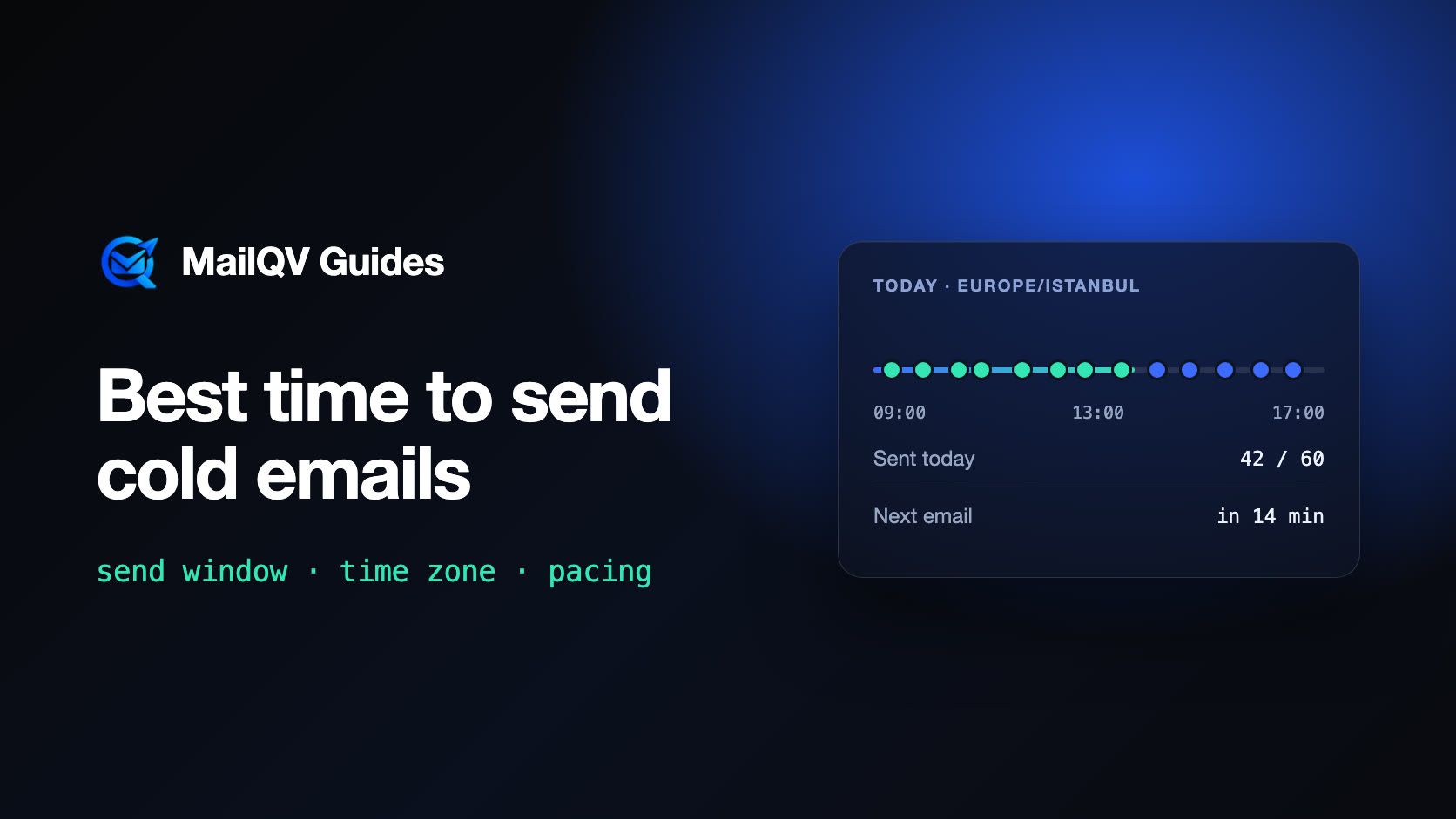
Send cold emails during the recipient’s working hours, on working days, in the recipient’s time zone—and spread each day’s messages across that window instead of sending them in one burst. There is no single best hour: a steady, human pace inside a sensible window matters more than the exact minute, and reply data from your own campaigns is the best guide.
Why “the best hour” is the wrong question
Published “best time to send” studies measure different audiences, industries and mail apps, and they often contradict each other. If everyone follows the same study and sends at 10:00 on Tuesday, that slot simply becomes crowded.
What you control reliably is the window you send in and how evenly messages are spaced inside it. Those two decisions shape both reply rates and how your mailboxes look to providers.
Pick a window in the prospect’s time zone
An email that arrives at 03:00 local time sits under everything that lands before the workday starts. Set the campaign window to the prospect’s business hours—for example 09:00–17:00—and split audiences into separate campaigns when their time zones differ by several hours.
- Use the recipient’s time zone, not yours.
- Skip weekends and local public holidays for B2B audiences.
- End the window early enough that a prospect can reply the same day.
Spread, don’t burst
Forty emails in five minutes from one mailbox, then silence for the rest of the day, does not look like a person writing email. Spacing the same forty messages across an eight-hour window keeps each mailbox’s pattern closer to normal use and avoids short spikes that can trigger provider rate limits.
Random variation in the gaps helps too: a message exactly every twelve minutes is as mechanical as a burst.
Do the daily math
Daily capacity is the number of mailboxes multiplied by each mailbox’s daily limit. Inside an eight-hour window, 30 emails per mailbox works out to roughly one every sixteen minutes.
First emails and follow-ups share that capacity, so a growing sequence stretches the schedule. Estimate the full campaign length before you commit to a date.
Test with your own data
General advice gets you a sensible default; your own replies tell you what works for your audience.
- Compare reply rates, not open rates—privacy features inflate opens.
- Change one variable at a time: window, weekday or step delay.
- Give each test enough sends before drawing conclusions.
How MailQV schedules sends
Each MailQV campaign has a send window, a time zone and the weekdays it may send on. Within that window, every mailbox’s remaining daily allowance is spread over the time left, with random spacing between messages instead of a burst at the start, and newer mailboxes get a slower minimum pace.
The live sending panel in the top bar shows how many emails went out today, what is still planned, when the next one goes and when today’s sending should finish.
Frequently asked questions
What day is best for cold email?
For B2B audiences, weekdays inside business hours are the safe default. Beyond that, test on your own audience; differences between weekdays are usually smaller than differences in list quality and message.
Should follow-ups go out at the same time as the first email?
They should follow the same window, but the exact hour can differ. What matters is a sensible delay between steps and staying inside the prospect’s working hours.
Is it better to send all emails first thing in the morning?
No. Sending everything at once creates a spike that looks automated. Spreading messages across the window is safer and keeps a steady flow of replies through the day.
Put it into practice
Run measured outreach with mailbox-level control.
MailQV connects sender rotation, sequences, contacts and campaign signals without claiming guaranteed inbox placement.